Microsoft Flight Simulator is not stressful on Linux (yes)

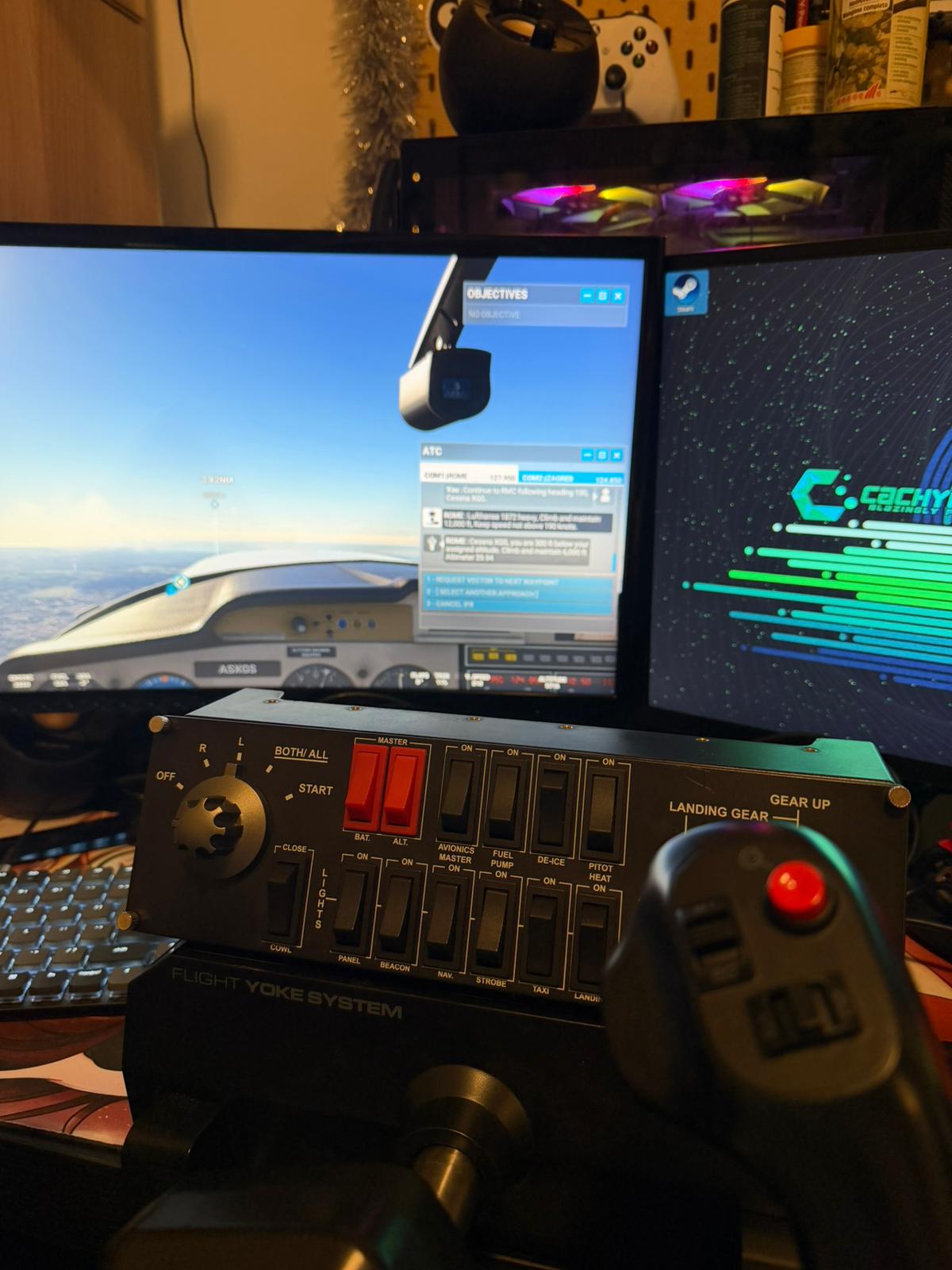
I will admit it, running Flight Simulator on Linux has been a breeze.
Configuring the hardware was not (entirely)
Where to begin? I like doing things the hard way. Recently i switched entirely to Linux on my gaming rig, but i had no intention whatsoever to leave my simulator obsession, so here's to a journey with the easy things and the issues i encountered
Chapter 1 - Flight Simulator
Running Microsoft Flight Simulator on Linux was less complicated than i expected.
Thanks to the improvements in Proton, running the game itself was a matter of having it on Steam, installing it and going through the INFINITE download.
I run on CachyOS KDE Plasma (arch-based), so if you're on a different OS your mileage may vary, but i don't expect it to vary too much, Proton is indeed that good.
A few tweaks to graphics and we were off to the races! I had hoped
Well let's say, i run games in Gamescope to avoid issues with mouse catching and alt-tabbing, especially when running old stuff (Need for Speed: Porsche Unleashed, i'm looking at you). This was my first source of pain with MSFS.
While running the game to test, i accidentally (totally not intentionally to see what would happen) pressed the button to pop out the ATC Panel.
Result: The panel went fullscreen and i could never close it again.
Off goes gamescope! Plus to make sure mouse wasn't grabbed in weird ways i also went to Options > General Options > Accessibility to change the Cockpit Interaction System from "Lock" to "Legacy".
But the mouse was still grabbed in weird ways by Flight Simulator. Essentially speaking, after the game was running i could not click anything outside anymore and had to reboot to make it work. It was very weird and there seemed to be no solution.
Chapter 2 - Devices
I have a "Full" simulation equipment set composed of the following:
- Logitech G (Saitek) Yoke System
- Logitech G (Saitek) Rudder Pedals
- Logitech G (Saitek) Flight Switch Panel
I also plan to add some stuff later, but this kit is what i had for years.
Let's be honest, connecting Yoke and Pedals was a breeze, the system saw them, the game saw and configured them. ZERO problems.
The problems came with the Switch Panel
When i connected the Switch Panel the system recongnized it and shown me that it was connected correctly, no big deal
I know that the switch panel needs a MSFS plugin to work, so i went to fetch it on Logitech's website, and i ran it using Protontricks, by selecting the right Prefix, and going with the "Run an arbitrary executable" option.
All ok no? No
The damn thing didn't seem to be recognized in MSFS, and also acted a bit weird (zooming the camera in and out) when i gave inputs to it, everything was getting weirder by the minute.
In short, i finally got the panel recognized by going in the Prefix and editing the
C:\users\steamuser\AppData\Roaming\Microsoft Flight Simulator\exe.xml file
<?xml version="1.0" encoding="Windows-1252"?>
<SimBase.Document Type="Launch" version="1,0">
    <Descr>Launch</Descr>
    <Filename>exe.xml</Filename>
    <Disabled>False</Disabled>
    <Launch.ManualLoad>False</Launch.ManualLoad>
    <Launch.Addon>
        <Name>Logitech Microsoft Flight Simulator Plugin</Name>
        <Disabled>False</Disabled>
        <Path>C:\Program Files\Logitech\Microsoft Flight Simulator Plugin\LogiMicrosoftFlightSimulator.exe</Path>
        <CommandLine>-r</CommandLine>
    </Launch.Addon>
</SimBase.Document>
In the end the file looked like this, and the plugin started working. Nice? No
The weirdness was still there, and still i needed a reboot to regain control of the mouse every time i ran the game.
While trying random things i found out that the mouse would click / unclick / hold and be generally weird when rotating the magneto knob
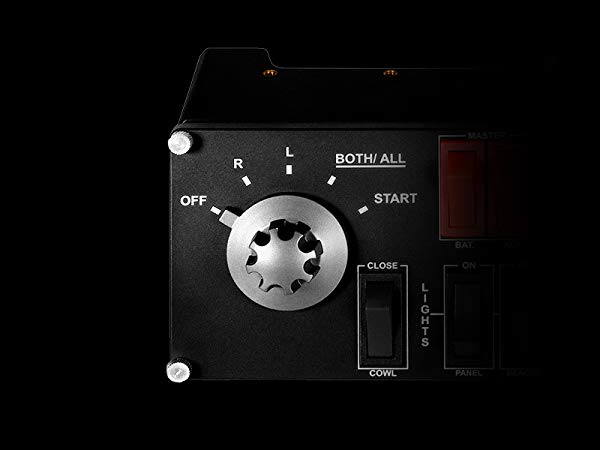
So, vibe investigating with Gemini (thanks Gemini, you enlighten my days) we came up to a conclusion. The switch panel FOR SOME REASON was recognized by CachyOS as a mouse device. So the Magneto Knob would manage the clicks.
Finally the culprit, but how to solve it?
After running lsusb to find the id's
Bus 001 Device 005: ID 06a3:0d67 Saitek PLC Pro Flight Switch Panel
I created the file /etc/udev/rules.d/99-flight-panel-ignore.rules
SUBSYSTEM=="input", ATTRS{idVendor}=="06a3", ATTRS{idProduct}=="0d67", ENV{LIBINPUT_IGNORE_DEVICE}="1"and ran
sudo udevadm control --reload-rules && sudo udevadm triggerand finally rebooted the computer.
It was FINALLY working. I had control and could use my mouse. Finally some good fucking news. Except it was time to go to sleep, so.. i still have to properly fly a good leg (but i have tested everything was actually working)